
Shipyard project management: trades, phases, client updates
The challenge is rarely the individual work. It is coordinating dozens of trades, hundreds of tasks, multiple phases, and constant client communication without losing visibility.
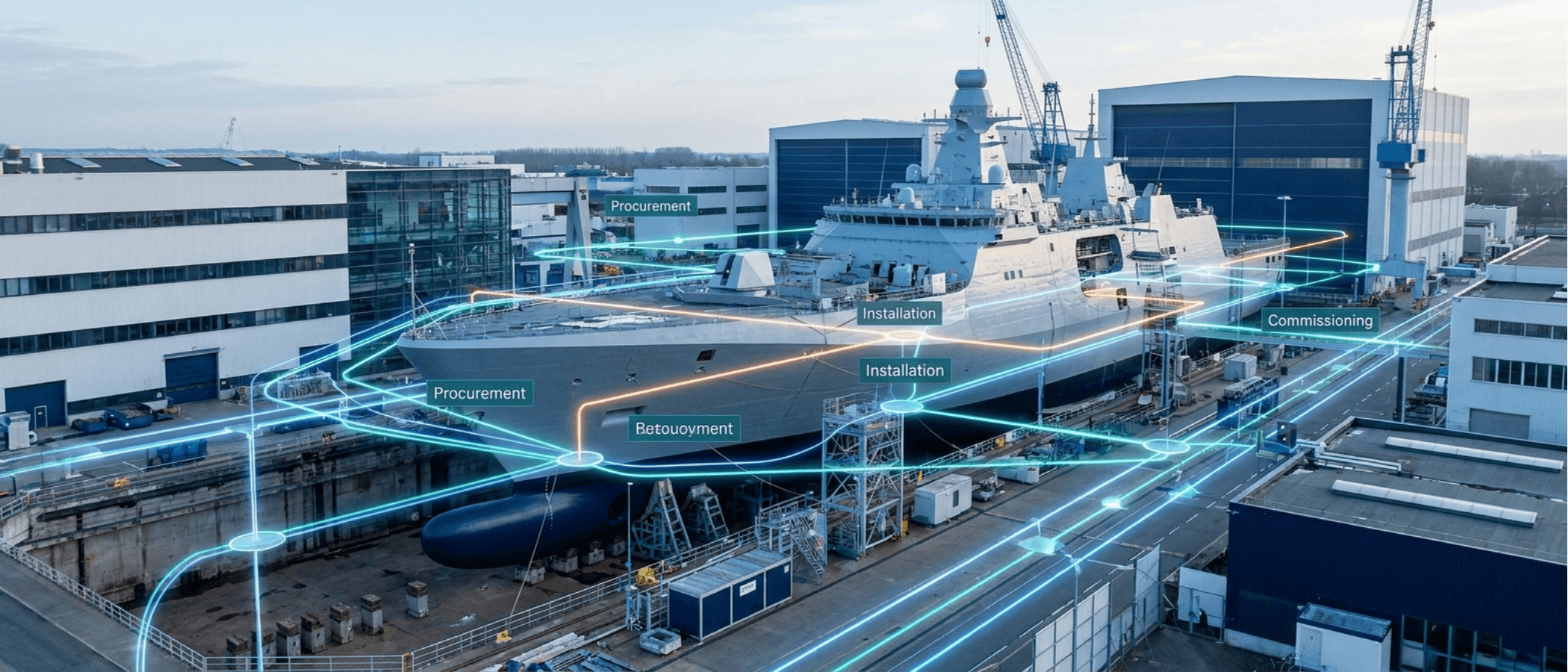
The steel team is finishing work in one section of the vessel. Electrical contractors are waiting for access in another. Procurement is chasing delayed equipment deliveries. The client wants an update before the weekly review meeting. Meanwhile, the project manager is trying to understand how all these moving parts connect.
This is the reality of modern shipyard operations. Whether managing a major refit, commercial vessel construction, or a complex yacht build, the challenge is rarely the individual work itself. The challenge is coordinating dozens of trades, hundreds of tasks, multiple project phases, and constant stakeholder communication without losing visibility. Good shipyard project management software should do more than track tasks — it should create a shared operational picture where work, procurement, locations, schedules, and client reporting stay connected from start to finish.
The real coordination problem in shipyard projects
Most shipyard delays do not originate from a lack of technical capability. They originate from coordination gaps. One trade completes work later than planned. Another loses access to a work area. Equipment arrives after installation windows have passed. Client approvals take longer than expected. The larger the project, the more these dependencies matter — and a common mistake is focusing only on individual activities when the real challenge is managing the relationships between them:
- A contractor cannot begin installation until a previous phase is complete.
- A commissioning team cannot test equipment until procurement deliveries arrive.
- A client cannot approve progress without accurate reporting.
- A project manager cannot adjust schedules without understanding the downstream impact.
One of the least discussed risks in large projects is not missing work. It is losing visibility of how work influences other work.
Many shipyards still manage these relationships across spreadsheets, email chains, whiteboards, and disconnected documents. The information exists. The connections between the information do not — and that visibility is the difference between proactive management and reactive firefighting.
How the software should connect the entire project
Map My Maintenance links work, procurement, scheduling, and communication into a structured operational record. The Project List is designed for work involving external contractors, vendors, repair facilities, and specialists, every item carrying priority, status, location, assigned personnel, proposed dates, documentation, and history, following a defined workflow — Initiated, Progressing, Paused, Pending Review, Sent to Vendor, Sent to Repair Facility, Sent to Agent, Cancelled.
An important advantage is the direct connection between project work and procurement. Through Special Purchases, managers link required materials, spare parts, components, quotations, and delivery information directly to project items, so the relationship between ordered equipment and the work requiring it stays visible throughout execution. This matters because procurement delays rarely appear in isolation — a delayed component can affect contractor schedules, commissioning dates, inspections, and client expectations. When managers see these dependencies early, they can act before problems escalate.
Managing trades and phases with location-based visibility
One of the biggest challenges in shipyard environments is managing work across physical spaces, with multiple trades operating simultaneously in different sections. Map My Maintenance addresses this through the Area Setup & Site Plan Tool: shipyards upload vessel plans and create Areas, Spaces, and Locations directly on those drawings, and every Project List item, Work List item, and Special Purchase can be assigned to a specific location. Team members use View Space and View Location to identify exactly where work is taking place.
A spatial view of the project
If insulation, electrical, and joinery teams all need access to the same compartment, the location record immediately provides context for scheduling. As scope is introduced, managers can quickly assess whether new work overlaps with existing activities in the same areas — improving planning without complex analysis.
Client updates are easier when documentation develops continuously
Many teams treat reporting as a separate activity: work happens first, documentation is assembled later, which leads to rushed cycles and incomplete updates. A better approach is creating documentation continuously. Within the Project List, users upload images and document progress using the Annotation Tool — defects, completed work, proposed solutions, materials, and methods attached directly to records. The Activity Log automatically records status changes, comments, date updates, images, and discussions, creating a chronological record. When stakeholders request updates, managers are not rebuilding history from memory; the history already exists. Reporting generates PDF, Excel, CSV, and Word documents directly from live data, sent by email or printed for reviews — so client reporting becomes a by-product of project management rather than a separate administrative exercise.
The best software connects every moving part
Shipyard projects succeed when managers maintain visibility across work, procurement, scheduling, trades, locations, and stakeholder communication. The challenge is not collecting information — it is keeping information connected as projects become more complex. Map My Maintenance was built around that principle: from the first project item to the final report, every action stays connected to the work it supports.