
Get the most out of Map My Maintenance.
Short, practical video tutorials that walk you through every part of the system — from setting up your account to running your first report.
 Tutorial 01
2 min 24 sec
Tutorial 01
2 min 24 sec
How to set up your account
Walk through the first 10 minutes of Map My Maintenance: creating your account, choosing a subscription, and getting ready to upload your first plan.
 Tutorial 02
3 min 47 sec
Tutorial 02
3 min 47 sec
Welcome to Map My Maintenance
A quick tour of what Map My Maintenance is, what you can do with it, and how the three lists work together.
 Tutorial 03
3 min 11 sec
Tutorial 03
3 min 11 sec
Setting up your first site and uploading a plan
How to create your first site, upload a yacht GA, floor plan, or sketch, and turn it into your working map.
 Tutorial 04
4 min 21 sec
Tutorial 04
4 min 21 sec
Drawing your areas and creating your map
Defining floors, decks, or zones, and drawing the spaces within them so every pin lands in the right place.
 Tutorial 05
8 min 21 sec
Tutorial 05
8 min 21 sec
Adding your first Work List item
Pin your first job to the plan with a photo, description, priority, person responsible, and date.
 Tutorial 06
3 min 20 sec
Tutorial 06
3 min 20 sec
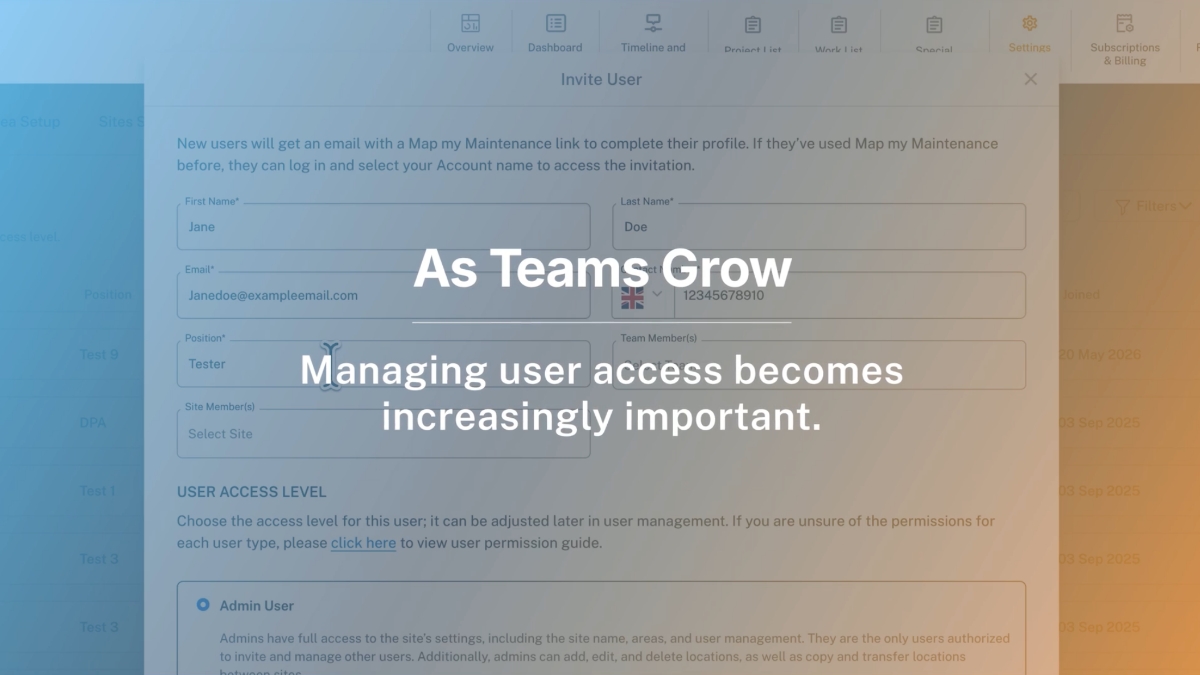
Inviting your team and assigning roles
How to invite team members, contractors, and suppliers — and give each the right level of access.
 Tutorial 07
8 min 29 sec
Tutorial 07
8 min 29 sec
Working with the Project List
How to track external contractor work from initiated through to completion with clear status stages.
 Tutorial 08
6 min 58 sec
Tutorial 08
6 min 58 sec
Special Purchases: ordering parts in context
Create purchase records, attach supplier quotes, and link parts to the jobs that need them.
 Tutorial 09
2 min 56 sec
Tutorial 09
2 min 56 sec
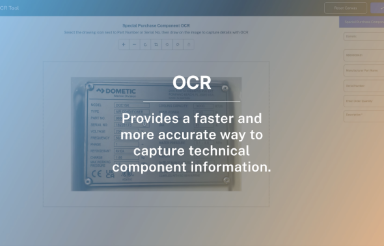
Using OCR to capture part numbers
Skip the typos. Photograph a dataplate, draw a box around the part number, and let the OCR tool do the rest.
 Tutorial 10
3 min 34 sec
Tutorial 10
3 min 34 sec
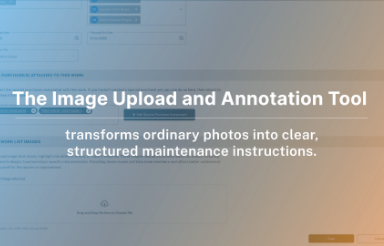
The Annotation Tool: photos into work instructions
Turn a single photo into a complete work instruction with notes, materials, method, and numbered sections.
 Tutorial 11
3 min
Tutorial 11
3 min
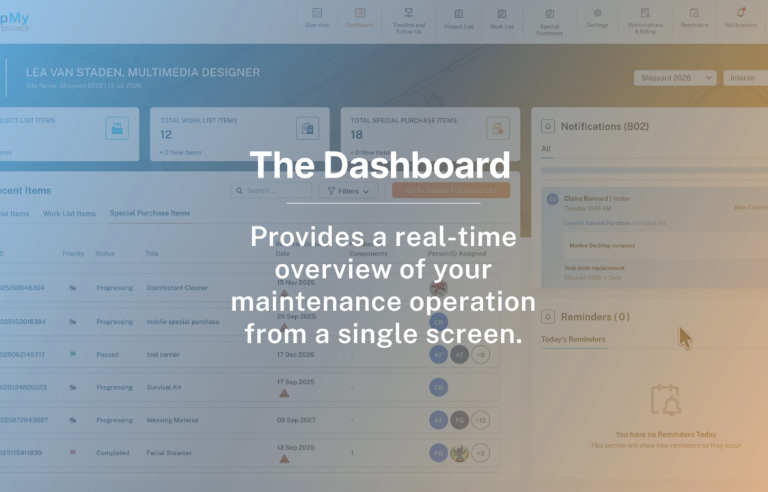
The Dashboard: your daily view
How to read the dashboard, what each counter and chart shows, and how to use it as your morning check-in.
 Tutorial 12
2 min 54 sec
Tutorial 12
2 min 54 sec
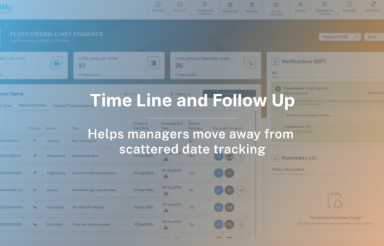
Timeline & Follow-Up: planning ahead
How to use the Gantt-style Timeline view to see what’s scheduled, who’s on it, and what’s coming up.
 Tutorial 13
3 min 5 sec
Tutorial 13
3 min 5 sec
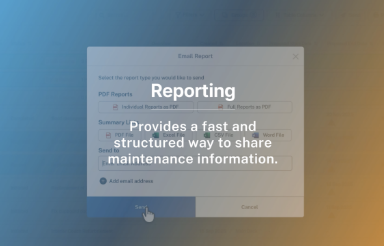
Generating reports for owners and surveyors
How to produce clean, branded reports for handovers, audits, owner updates, or surveyor reviews.
Can't find what you're looking for?
Browse the Help Centre for written articles, or drop us a message and we'll get back to you within one working day.