Drop a pin where you stand
Spot something broken? Open the app, tap the plan, drop a pin. Photo, description, priority, and assignee in under a minute.

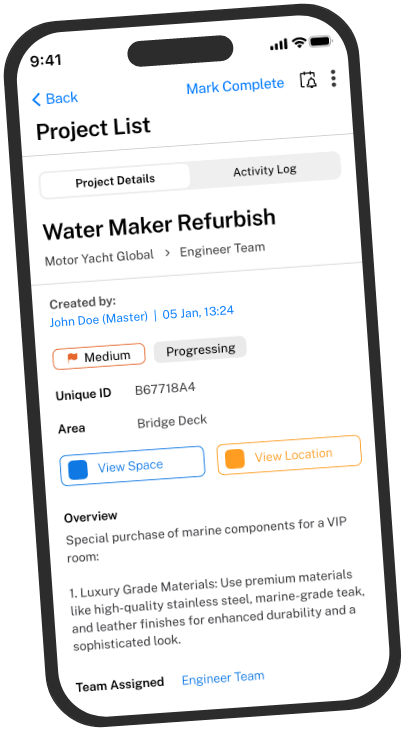
Drop a pin on a defect the moment you spot it. Annotate a photo on the spot. Check what's scheduled. Reply to a comment from the engine room or the basement. Same workspace as the desktop, designed for your phone.
Free to download. Works with any active Map My Maintenance subscription.
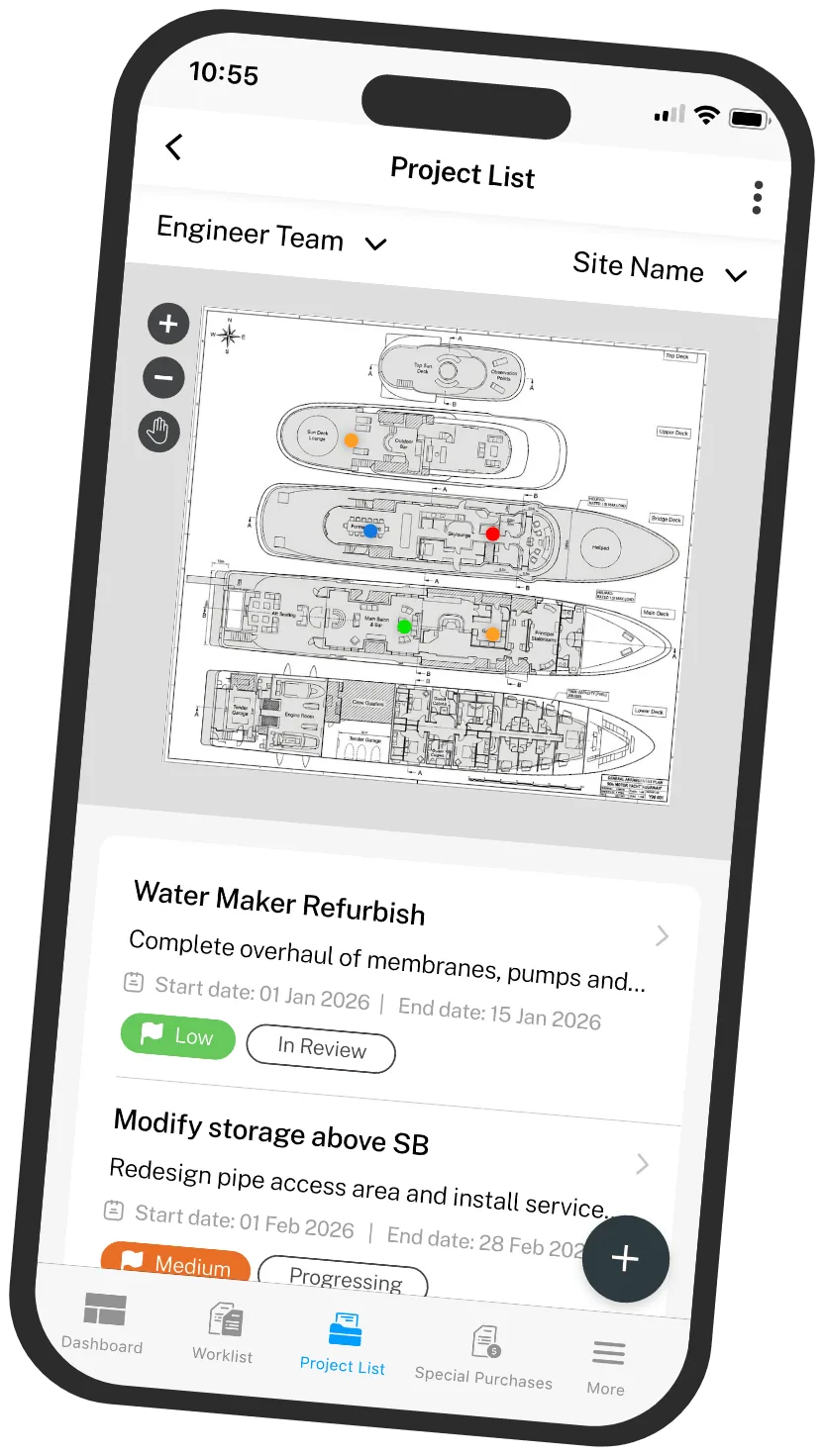
Spot something broken? Open the app, tap the plan, drop a pin. Photo, description, priority, and assignee in under a minute.
Photograph a dataplate. Draw a box around the manufacturer number. The OCR tool reads it straight off the image.
Mark up a photo with notes, materials, and method, directly on the phone, no edit suite required.
Pinch to zoom into a deck or floor. See every job in that area at a glance. Tap a pin for the detail.
Tag teammates with @everyone. Reply to comments. The whole conversation lives next to the job it's about.
Notifications fire when something meaningful changes. Filter to what's assigned to you, mentions, or unread.
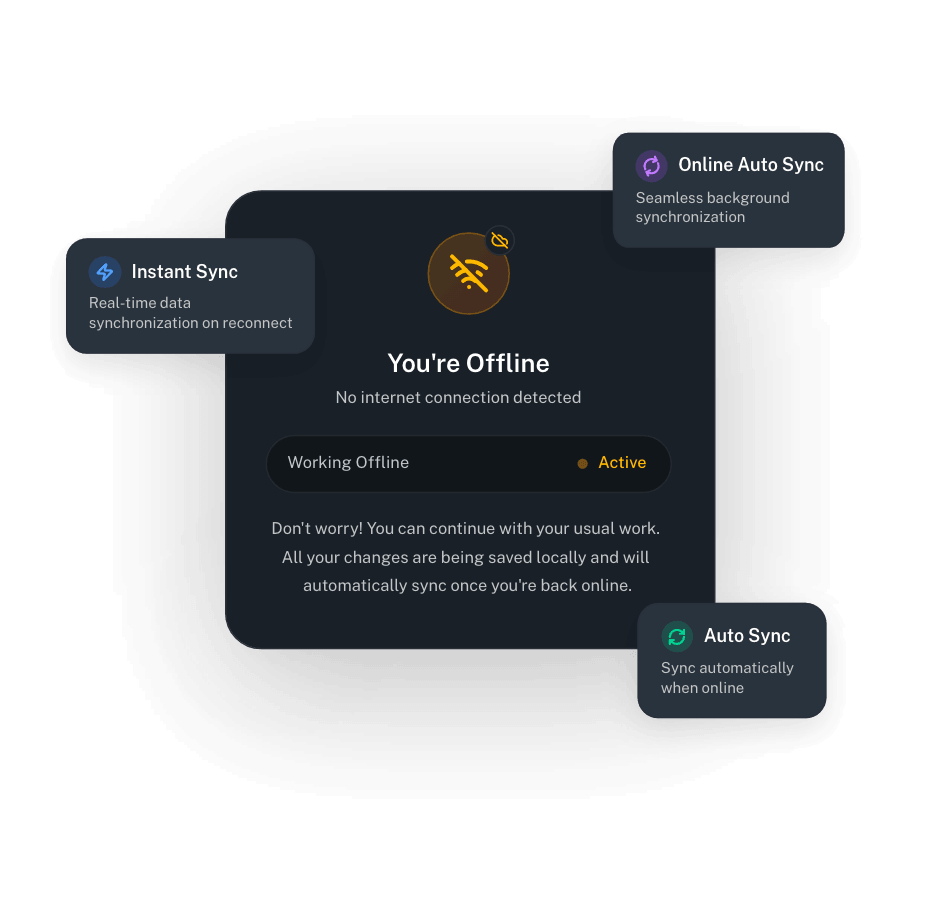
Map My Maintenance is built to work where signal is unreliable. Drop pins, add photos, write notes, and post comments with no connection. When you're back online, sync uploads everything you've done and pulls down everyone else's changes.
You see exactly when the last sync happened, what step it's on, and, if something fails, what went wrong and how to retry.
Scan the QR code with your phone's camera. It'll open the App Store or Google Play depending on your device. Sign in with the same account you use on desktop and you're ready to go.
Sign in with the same account you use on desktop. Everything syncs automatically, your sites, your plans, your jobs, your team. No re-uploading. No re-inviting. No second account to manage.
Download the app, sign up, and start working. Every feature unlocked for the trial, desktop and mobile.
Card required. No charge until day 15. Cancel anytime before then, we'll even remind you.