
Why every job should start with a location
Most systems capture the task, not the place. Here is why location is the base layer for coordination — and what changes when every job starts with a real spot on the plan.
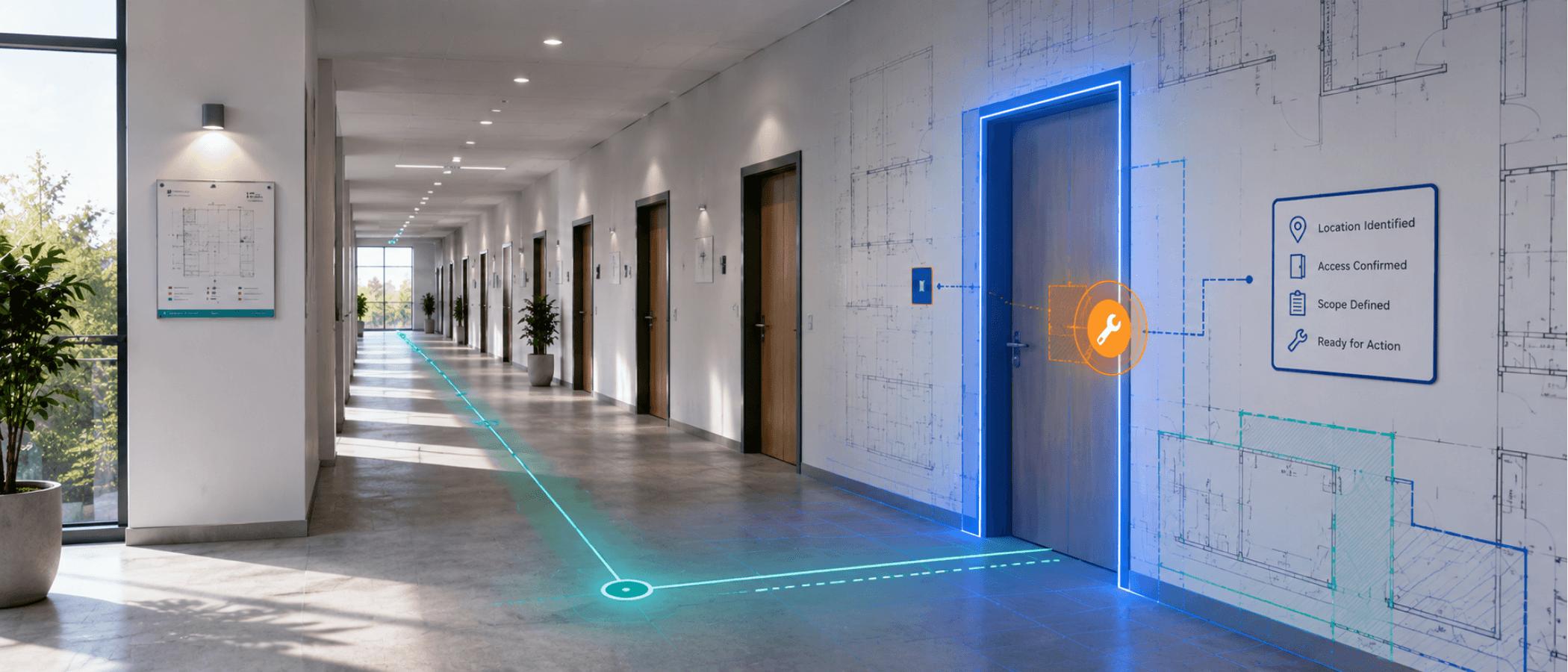
A maintenance manager opens Monday's list and sees twelve urgent items. "Replace damaged panel." "Fix leak." "Inspect fan coil." "Review corrosion." The titles look clear enough until the calls start. Which panel. Which leak. Which fan coil. Which side of the vessel. Which unit in the block. Which bay on the line.
This is where location-based maintenance management stops being a nice idea and becomes the difference between control and confusion. In physical operations, work does not happen in abstract task lists. It happens in spaces, on decks, in risers, behind panels, around machinery, and inside rooms. If a job starts without a location, the team starts behind.
Most systems capture the task, not the place
Operations leaders often buy asset and project tools to improve visibility. They get dashboards, lists, due dates, and status fields. Those are useful, but they still leave one basic gap. The work may be recorded, yet the place where the work must happen remains vague. That gap creates friction long before a technician picks up a tool.
A contractor gets briefed with the wrong room name. A buyer orders the correct part but not for the correct location. A supervisor assigns a team without understanding the access conditions around the job. A report says "completed," but the next shift still cannot tell exactly where the intervention took place.
The hidden cost
A bad location record creates hidden rework even when the actual repair is simple. A large share of lost time happens before the repair starts — people walk the site again, ask for more photos, and call to confirm which side, which level, which compartment.
This matters even more for operations with layered spaces. Yachts, buildings, factories, campuses, and construction sites all have repeating equipment types in different places. One fan coil is not the same as another. One electrical panel is not the same as another. If a system does not anchor the task to the exact place, the record stays weak no matter how many fields you add.
What location-based maintenance management should actually do
The right approach is not simply to add a "location" text field. That still leaves too much open to interpretation. Good location-based maintenance management ties the job to the real plan the team already uses on site.
Map My Maintenance does this through Area Setup & Site Plan. Admins upload a GA plan, floor plan, deck plan, or similar drawing for each site, then create named Floors, Decks, or Levels, draw Spaces directly onto the plan, and add specific Locations within those spaces. Once that structure is in place, users can assign Area, Space, and Location to Work List, Project List, and Special Purchases items. View Space and View Location then open the site plan with the exact area highlighted.
A job in Work List is not just a title and due date. It can include the title, overview, unique ID, priority, status, assigned team and people, proposed start and end dates, Area, Space, and Location, linked Special Purchase Components, image uploads, and a Mark Complete button. For external work, Project List uses the same rich location structure while supporting a status workflow built for specialist coordination — Initiated, Progressing, Paused, Pending Review, Sent to Vendor, Sent to Repair Facility, Sent to Agent, and Cancelled — and can link directly to one or more Special Purchases records.
Location is not just a reference field. It is the base layer for coordination.
It tells you who should be assigned, what access is needed, which teams may be affected nearby, what documents matter, and whether the issue belongs in internal work, external project coordination, or procurement. Map My Maintenance extends that logic into documentation: in Work List and Project List, the Annotation Tool lets users draw directly on uploaded images, create named sections, and add a Description, Possible Solutions, Tools and Materials, and Method for each section — turning images into structured work instructions tied to the location of the job.
How it works in practice when location comes first
Take a building operations example. A recurring leak appears above a reception ceiling. In a conventional system, someone logs "water damage near lobby." Facilities sees the title, procurement sees a request for sealant and ceiling tiles, the contractor gets a brief by phone. Three people are now involved, but each is holding a different version of the issue.
In Map My Maintenance, the initial internal inspection goes into Work List and is pinned to the exact Area, Space, and Location on the site plan. The technician uploads images of the ceiling damage and uses the Annotation Tool to mark the visible spread, the likely entry point, and the access method needed. If a roofer or specialist façade contractor is required, the external coordination sits in Project List. If new materials or parts are needed, they are tracked in Special Purchases against the same operational chain.
Now the work has shape. The facilities lead can see where the job sits. The contractor can be briefed against the same location. The buyer can understand why the materials are needed. The next shift does not need to restart the story from scratch. The Dashboard surfaces open item counts plus weekly activity metrics and breakdowns by status, priority, and team, and Timeline & Follow-Up plots every item together as a Gantt-style schedule that can be exported to Excel.
Better records, better handovers, fewer false starts
Operations leaders often compare tools by feature count. That misses the more important question: what is the first thing the system asks the team to define when work is created? If the answer is title, priority, or deadline before place, the record starts life with a blind spot. If the answer is location, assignments improve, photos carry more value, reports make more sense, and external contractors walk in with better instructions.
Map My Maintenance reinforces that chain with the Activity Log, which records creation events and changes to priority, title, status, dates, images, videos, and comments for every item. That is how teams stop losing the plot between shifts, departments, and suppliers — the record stays tied to the work, and the work stays tied to the place.